Why Can the S&P 500 Rise When More Stocks Are Falling?
A few positive contributions can outweigh many smaller negative contributions in a weighted index.
Read the guide
Market Watch 360 Guides
A guided explanation of how Market Watch 360 connects breadth, weighted impact, index charts, and stock-level detail in a Windows workspace.
Reviewed
An index headline tells you where a benchmark ended up. Market Watch 360 is designed to help you inspect the selected companies and see how broad participation relates to weighted contribution.
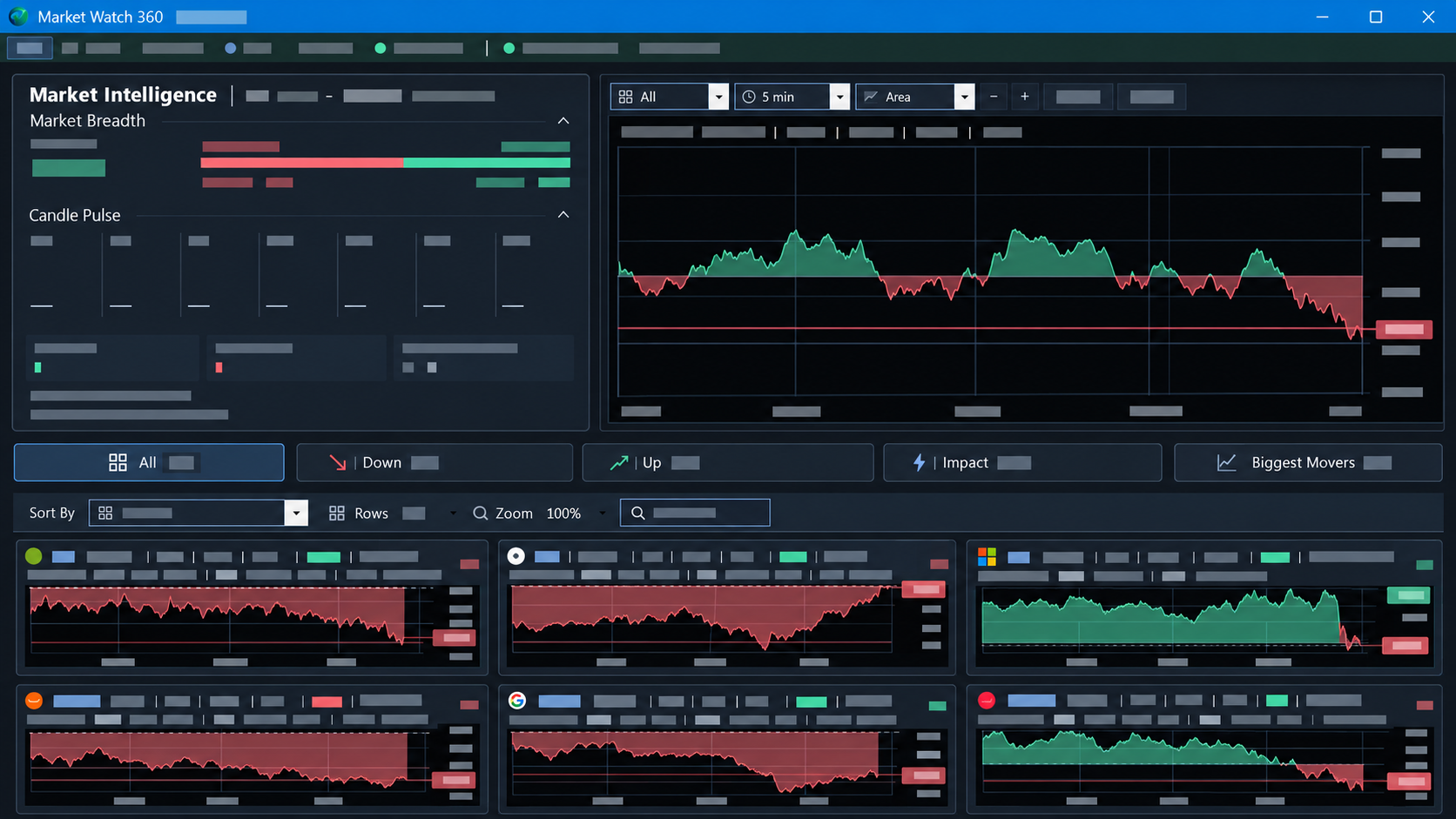
public/images/product/overview-cleared.pngMarket Intelligence shows rising and falling participation in the selected basket. Counts help you see whether movement is broad or concentrated among fewer names.
The current S&P 500 desktop view pairs participation with estimated weighted contribution, so you can compare how much positive and negative movement comes from the selected securities. The Windows app currently uses IVV-based S&P weights; Nasdaq-100 and Dow artwork on the website illustrates future market views, not available desktop workspaces.
The All, Down, Up, Impact, and Biggest Movers tabs provide different ways to inspect the selected basket. Stock cards bring compact charts and available price, change, quote, weight, and sensitivity information together. A selected symbol can be opened in a separate native chart window.
The Windows app can refresh as permitted market data arrives through the customer's own connection. Results depend on the account, feed, session, and available data. The website artwork is a static preview; the site does not request Alpaca credentials or stream market data, and the software does not place trades.